
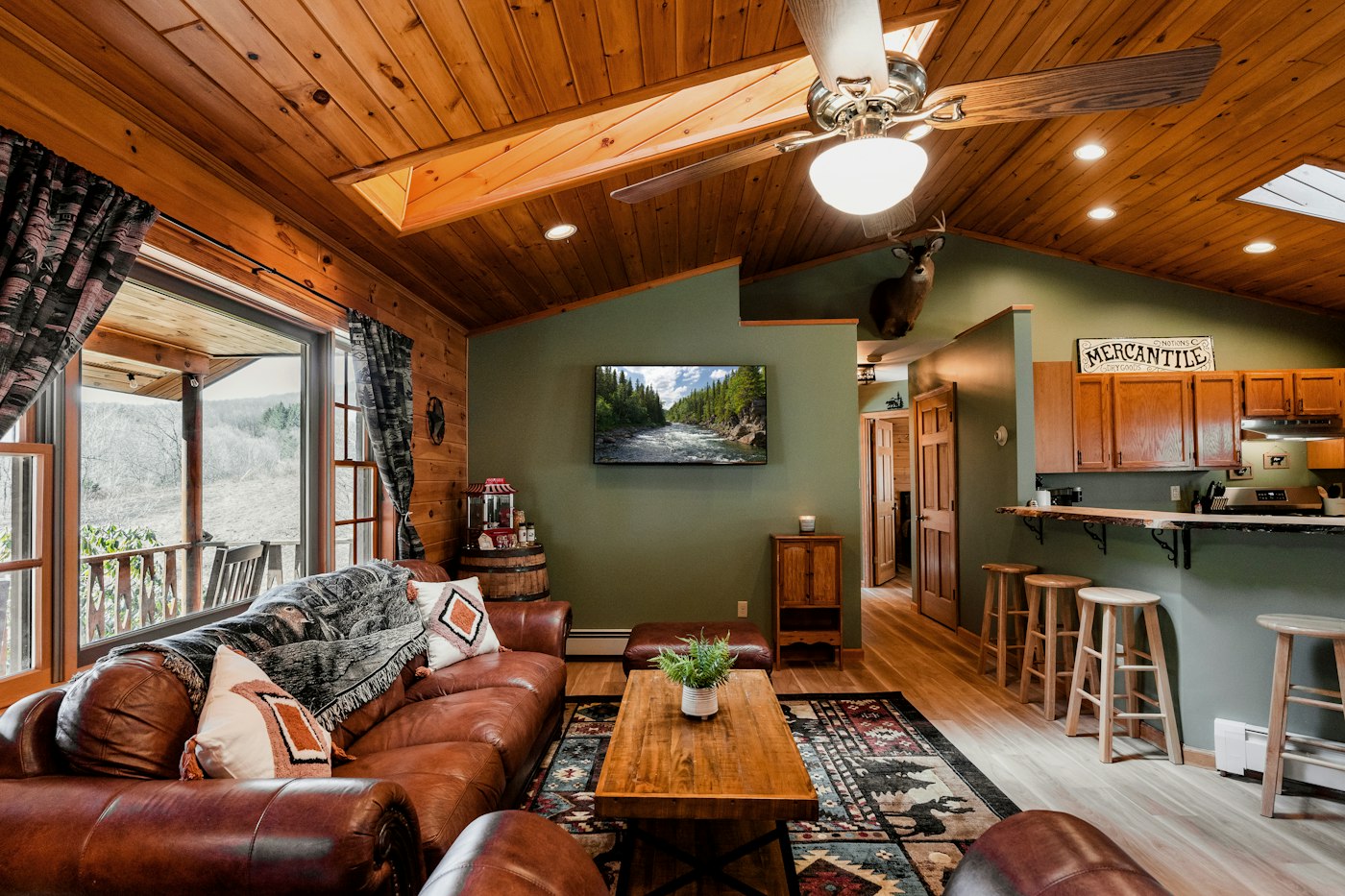
Here is one of the easiest comfort upgrades you can make this season, and it costs nothing: flip the switch to clockwise on low speed. Most people think of ceiling fans as summer equipment, then leave them off all winter. But a fan running in reverse at a gentle speed can make a room feel warmer and help your heating system work more evenly. This guide explains why it works, how to find and use the switch on different types of fans, and a few maintenance checks to do while you are on the ladder.
Why Reversing the Fan Helps
Warm air is lighter than cool air, so it rises. In winter, the heat your system produces drifts up and collects near the ceiling, while the air at floor level, where you actually sit and walk, stays cooler. The effect is strongest in rooms with high, vaulted or cathedral ceilings, open stairwells and lofts.
When a fan spins counterclockwise (the usual summer setting), it pushes air straight down. That creates a breeze on your skin, which feels cooling. In winter you do not want that wind chill.
When a fan spins clockwise on low, it pulls air up toward the ceiling. That gently pushes the warm air pooled up there outward and down along the walls, mixing it back into the room without blowing directly on anyone. The result is a more even temperature from floor to ceiling.
A more even temperature can make a room feel more comfortable at the same thermostat setting, and in some homes may let you set the thermostat a little lower. How much difference it makes depends on the room, the ceiling height and your heating system.
How to Reverse a Ceiling Fan
Fans with a switch on the motor housing
- Turn the fan off and wait for the blades to stop completely. Never flip the switch while the fan is spinning.
- Use a sturdy step ladder. Have someone steady it if possible.
- Find the small slide or toggle switch on the motor housing, usually on the side just above or below the blades.
- Slide it to the opposite position.
- Turn the fan on at its lowest speed.
Fans with a remote or wall control
Many newer fans, including many DC-motor models, have no switch on the housing. Look for a reverse or direction button on the remote or wall control. Check the manual if it is not obvious.
Smart fans
Some connected fans let you change direction in an app. You may even be able to set a seasonal schedule.
How to Confirm the Direction
Stand directly under the fan and look up. The blades should be moving clockwise, like the hands of a clock. On low speed, you should feel little or no breeze directly below. If you feel a noticeable downdraft, the fan is either still in summer mode or running too fast.
Why Low Speed Matters
The goal is gentle circulation, not wind. On high speed, even a clockwise fan can move enough air to create a noticeable draft in the room, which undoes the benefit. Start on the lowest setting. In a very tall room, you might try the next speed up and see whether it feels better, but low is the right default.
Do a Quick Maintenance Check While You Are Up There
Since you are already on the ladder, take a couple of minutes to keep the fan running well:
- Dust the blades. Dust builds up on the leading edges over summer. A pillowcase slipped over each blade and drawn back catches dust instead of scattering it.
- Check for wobble. Tighten blade screws and the screws that attach the blade brackets to the motor. A balancing kit can fix persistent wobble.
- Check the mounting. If the whole fan sways or the canopy is loose at the ceiling, stop using it until the mounting is checked. Ceiling fans must be mounted to a fan-rated box.
- Replace bulbs in light kits with LEDs if you have not already.
- Listen for noise. Clicking, grinding or humming can point to loose parts or a failing motor.
When a Fan Upgrade Makes Sense
If your fan has no reverse function, wobbles no matter what you do, or is noisy and inefficient, winter is a fine time to replace it. Newer fans often include remote controls with a reverse button, quiet motors and integrated LED lighting. If you are adding a fan where there was only a light fixture, the electrical box may need to be replaced with one rated for a fan’s weight and motion, and any new wiring should be handled by a licensed electrician.
Common Mistakes to Avoid
- Flipping the switch while the blades are still turning.
- Running the fan on high in winter.
- Forgetting to switch back to counterclockwise when warm weather returns.
- Ignoring a wobble or a loose canopy.
- Standing on a chair instead of a proper ladder.
What to Do This Week
- List every ceiling fan in your home, including porches and bonus rooms.
- Turn each one off, then switch it to clockwise.
- Run each on low and confirm there is no downdraft.
- Dust blades and tighten screws while you are there.
- Set a reminder for spring to switch them back.
If a fan wobbles, will not reverse, or you are ready to replace an old one, we are glad to help. AX Home Pro handles repairs, improvements and maintenance for homeowners. Request an estimate to get started.