
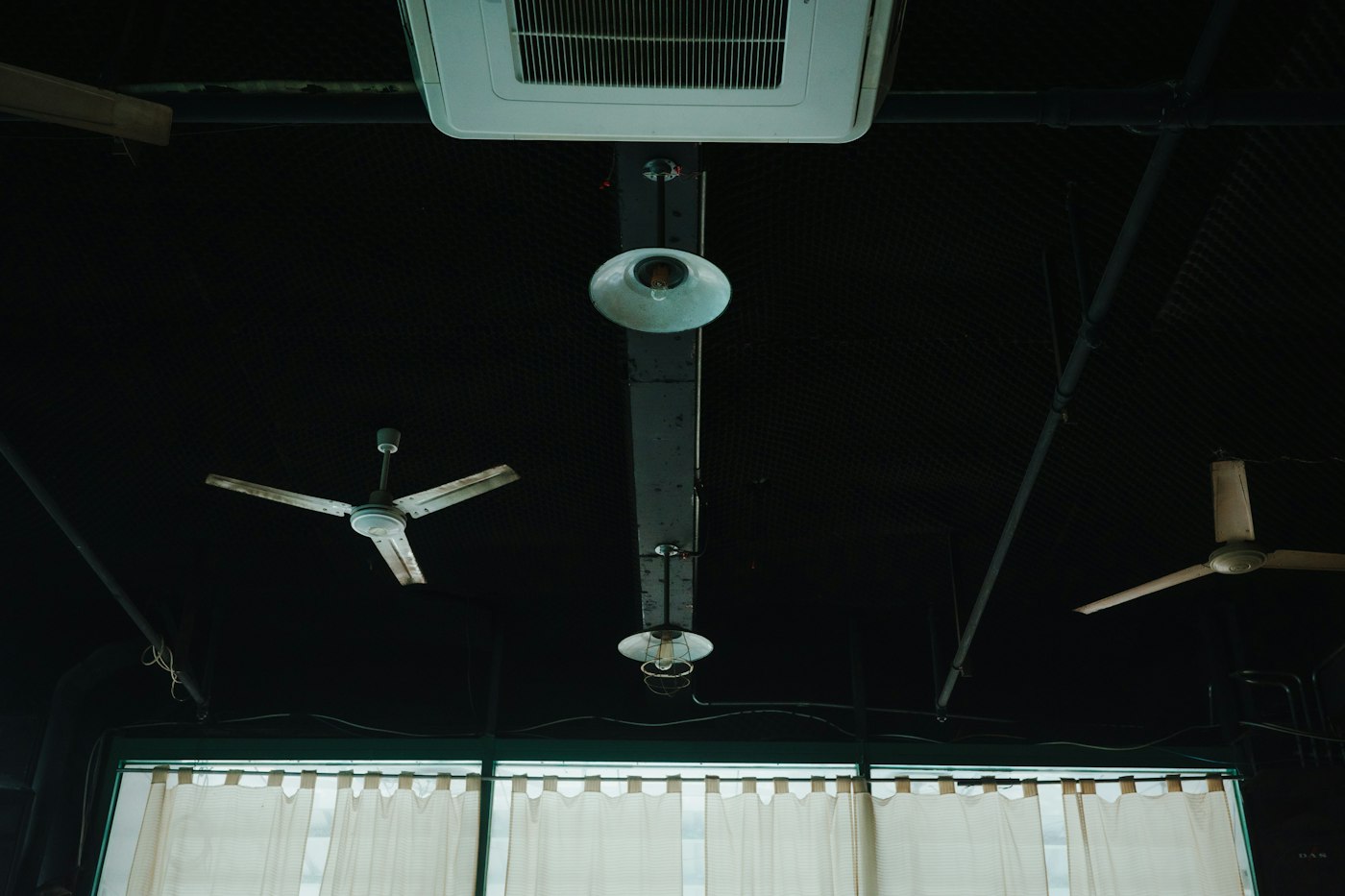
In summer, fans should turn counterclockwise to push air down. The breeze lets you raise the thermostat a few degrees. It’s one of the simplest comfort adjustments in any home, and many people have never noticed the small switch on their ceiling fan that makes it possible. Set correctly and used wisely, ceiling fans help you feel cooler without lowering the thermostat. This guide explains how fan direction works, how to check and change it and how to get the most from your fans all summer.
Why Direction Matters
A ceiling fan doesn’t actually lower the temperature of a room. What it does is move air across your skin. Moving air helps sweat evaporate and carries heat away from your body, so you feel cooler than the thermometer says. This is the same wind-chill effect you notice on a breezy day.
The blades on a ceiling fan are angled. When the fan spins one way, it pushes air down toward the floor and the people in the room. Spin it the other way, and it pulls air up toward the ceiling and pushes it gently out along the walls without creating a noticeable breeze. For summer comfort, you want that direct downward breeze, which on most fans means counterclockwise rotation.
How to Check Your Fan’s Direction
- Turn the fan on at a medium or high speed.
- Stand directly underneath it and look up.
- Watch the blades. In summer mode, they should appear to move counterclockwise, right to left across the front.
- Feel for the air. You should feel a steady breeze blowing down on you. If you feel very little, the fan is probably set for winter.
Fan designs vary, so the feel test is the most reliable check. If you feel a strong breeze directly below, the fan is pushing air down.
How to change the direction
Most ceiling fans have a small reversing switch on the motor housing, usually just above the blades. Some newer fans handle direction through a remote control or wall control instead.
- Turn the fan off and wait for the blades to stop completely. Never flip the switch while the fan is moving.
- Use a sturdy step stool or ladder. Make sure it’s on level ground and that you can reach the housing without overextending.
- Locate the switch. It’s usually a small slide switch on the side of the motor housing.
- Flip it to the other position.
- Turn the fan back on and confirm the direction by standing below and feeling for the downward breeze.
If your fan has a remote, look for a button marked with arrows or labeled for direction or season. Check the owner’s manual if you aren’t sure.
Raising the Thermostat a Few Degrees
Because a fan’s breeze makes you feel cooler, you can usually raise the thermostat a few degrees and stay just as comfortable. Running a ceiling fan uses far less electricity than running an air conditioner, so letting the fan carry part of the comfort load can help reduce cooling costs. Try nudging the thermostat up gradually, a degree at a time, and see what feels right for your household.
Fans cool people, not rooms
This is the key point many people miss. Because fans work by moving air over skin rather than by lowering air temperature, a fan running in an empty room does nothing useful. Turn fans off when you leave a room. Leaving them running all day in unoccupied spaces simply uses electricity and wears the motor.
Getting the Most From Your Ceiling Fans
- Use the right speed. Higher speeds create a stronger breeze. In a living room on a hot afternoon, medium or high usually feels best. For sleeping, a lower speed may be more comfortable.
- Keep blades clean. Dust builds up on the top of blades and gets flung around the room when the fan starts. An old pillowcase slipped over each blade and pulled back lets you wipe it clean while catching the dust.
- Watch for wobble. A wobbling fan is noisy and can loosen its own mounting over time. Tighten blade screws and mounting hardware, and check that blades aren’t warped. Balancing kits are inexpensive.
- Pay attention to height. Fans work best with enough clearance above the floor for safety and enough distance below the ceiling for good airflow. Downrods help in rooms with high ceilings.
- Match fan size to the room. A small fan in a large room moves too little air to make much difference.
What about winter?
When the weather cools off, many homeowners reverse their fans to clockwise and run them on low. In that mode, the fan gently pulls air upward and pushes warm air that collects near the ceiling back down along the walls, without creating a chilly breeze. That’s why it’s worth knowing where the switch is: you’ll likely use it twice a year.
Common Mistakes
- Never checking the direction. Many fans spend summer pulling air up instead of pushing it down.
- Flipping the switch while the fan is running. Always wait until it stops.
- Running fans in empty rooms. No one feels the benefit.
- Ignoring a wobble or noise. These can signal loose parts that should be tightened.
- Installing a fan on a box not rated for it. Ceiling fans need a fan-rated electrical box to support their weight and motion safely.
Thinking About Adding or Upgrading Fans?
If you have rooms without a ceiling fan, or an old fan that wobbles, hums or lacks good speed control, an upgrade can make a real difference in summer comfort. Installation often involves checking the electrical box, wiring and mounting, and in some rooms adding a wall control. It’s a job where getting the details right matters for safety.
What to Do This Week
- Stand under each ceiling fan and confirm you feel a downward breeze.
- Switch any fans that are set for winter to counterclockwise.
- Raise your thermostat a degree or two and see how it feels with fans on.
- Clean the blades and check for wobble.
- Make a habit of turning fans off when you leave a room.
Need a fan installed, replaced or secured? AX Home Pro handles repairs, improvements and maintenance for homeowners. Request an estimate to get started.