
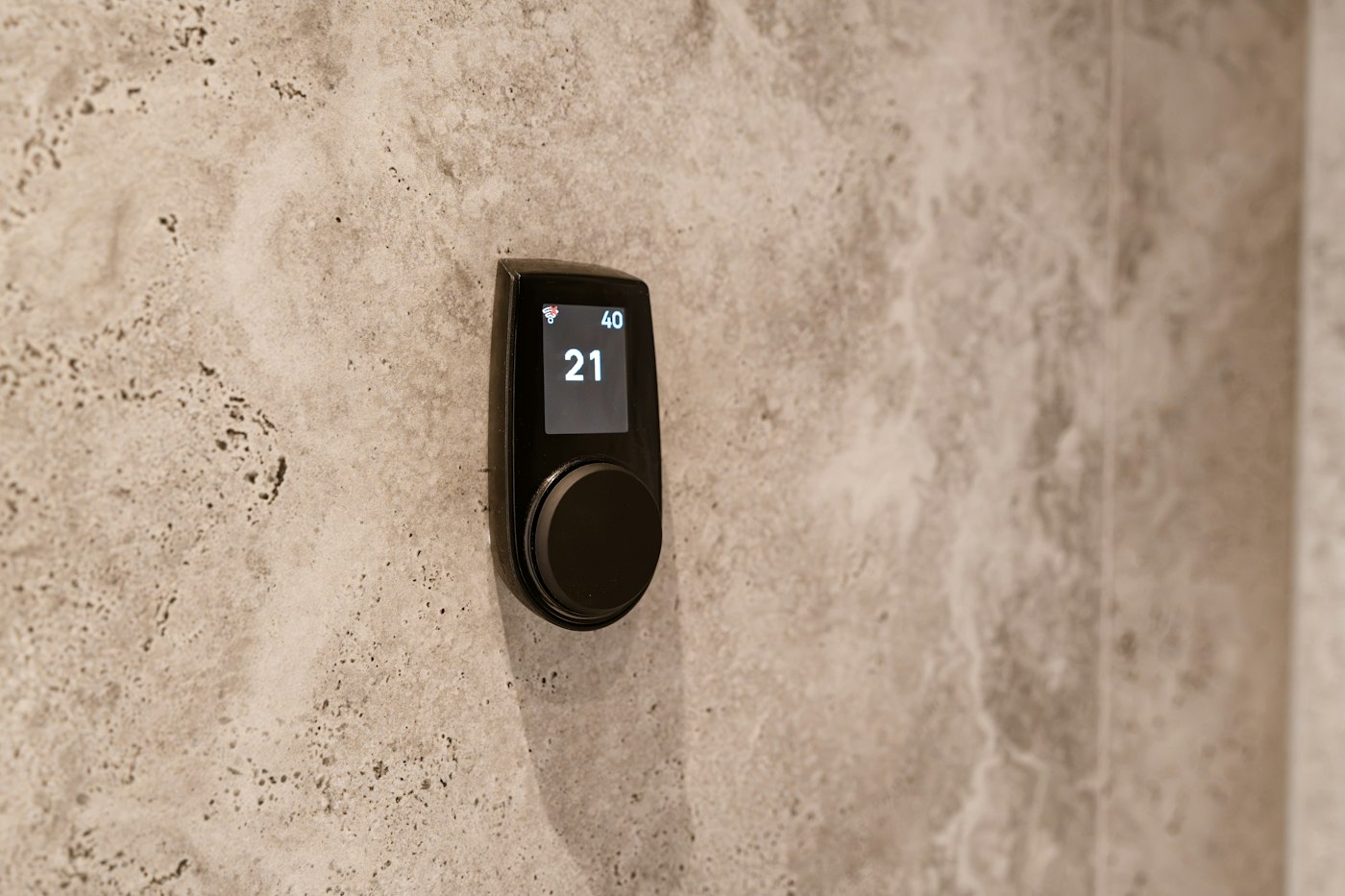
Heating and cooling are among the biggest energy uses in most homes, and the thermostat is the control center for all of it. Yet many homes still have a basic thermostat that someone adjusts by hand, or a programmable one that was never actually programmed. Smart thermostats change that. Smart thermostats learn schedules and cut heating and cooling costs by running your system only as much as you really need. With heating season approaching, it is a good time to consider an upgrade.
What Makes a Thermostat Smart
A smart thermostat connects to your home Wi-Fi and does more than hold a set temperature. Depending on the model, features can include:
- Learning schedules. Some models notice when you raise and lower the temperature and build a schedule around your habits.
- Remote control. Adjust the temperature from your phone, whether you are in bed or away from home.
- Occupancy and location awareness. Sensors or phone location can tell the thermostat when the house is empty so it can set back automatically.
- Remote room sensors. Some systems use extra sensors to balance comfort in rooms that run hot or cold.
- Energy reports. Usage summaries show when your system runs and how your settings affect it.
- Maintenance reminders. Alerts to change the filter or schedule service.
- Alerts. Some models warn you about unusually high or low indoor temperatures, which can help you catch a heating failure before pipes are at risk.
- Voice and smart home integration. Control through voice assistants and coordination with other connected devices.
How Smart Thermostats Cut Costs
The savings come from a simple principle: your system uses less energy when it does not have to heat or cool an empty or sleeping house to full comfort settings. Smart thermostats make that easy to do consistently.
- Automatic setbacks. The thermostat lowers heating or raises cooling setpoints while you are away or asleep, then returns to comfort before you need it.
- No forgetting. If you leave in a hurry, the thermostat can notice and adjust instead of running all day.
- Smarter recovery. Many models learn how long your home takes to warm up or cool down and start at the right time.
- Better habits. Seeing usage reports helps households understand which settings matter most.
Savings vary from home to home. They depend on your climate, your system, the size and insulation of your home, your habits and how your old thermostat was being used. Homes where the old thermostat was already carefully programmed may see less change than homes where the temperature stayed the same all day.
Will It Work With Your System?
Most smart thermostats work with common heating and cooling systems, but compatibility is worth checking before you buy.
- System type. Gas furnaces, heat pumps, central air, boilers and multi-stage systems each have different wiring and control needs.
- The C-wire. Many smart thermostats need a common wire, called a C-wire, for continuous power. Older thermostat wiring may not include one. Some models include an adapter or work without one, and some installations need a new wire run.
- Line-voltage systems. Electric baseboard heaters often use high-voltage thermostats that are not compatible with standard smart thermostats. Specialized models exist for those systems.
- Multiple zones. Homes with more than one zone may need more than one thermostat.
Before removing your old thermostat, take a photo of the wiring and note which terminals are used. Most manufacturers offer online compatibility checkers.
Installation Basics
- Turn off power to the heating and cooling system at the breaker or service switch.
- Remove the old thermostat cover and photograph the wiring.
- Label the wires with the stickers that come in most smart thermostat boxes.
- Disconnect and remove the old base plate.
- Mount the new base and connect wires to the matching terminals.
- Patch and paint if the new unit does not cover old screw holes or paint lines. A trim plate can help.
- Restore power and follow the setup steps, including Wi-Fi connection and system type.
- Test heating and cooling to confirm both work.
If your thermostat wiring looks unusual, if you need a C-wire added, or if you have a heat pump or multi-stage system and are not sure how to configure it, professional installation avoids mistakes that can affect comfort or equipment.
Getting the Most From Your Smart Thermostat
- Place it well. A thermostat on an interior wall, away from direct sun, drafts, kitchens and supply vents, reads the house more accurately.
- Give it time to learn. Learning models need a couple of weeks of normal use to build a good schedule.
- Set reasonable setbacks. Moderate setbacks while you are away or asleep are a good place to start.
- Use the app. Check energy reports and adjust schedules for holidays and travel.
- Pair it with maintenance. A smart thermostat cannot make up for dirty filters, leaky ducts or a system in need of service.
- Seal and insulate. Weather stripping, attic insulation and air sealing help your system hold the temperature you set.
What to Do This Week
- Look at your current thermostat and how you actually use it.
- Photograph the wiring behind it and check for a C-wire.
- Check compatibility with your heating and cooling system.
- Choose features that match your household’s routine.
- Plan installation before heating season, and pair it with a system tune-up.
Smart thermostats learn schedules and cut heating and cooling costs, and they make comfort easier to manage. AX Home Pro handles repairs, improvements and maintenance for homeowners. Request an estimate to get started.